
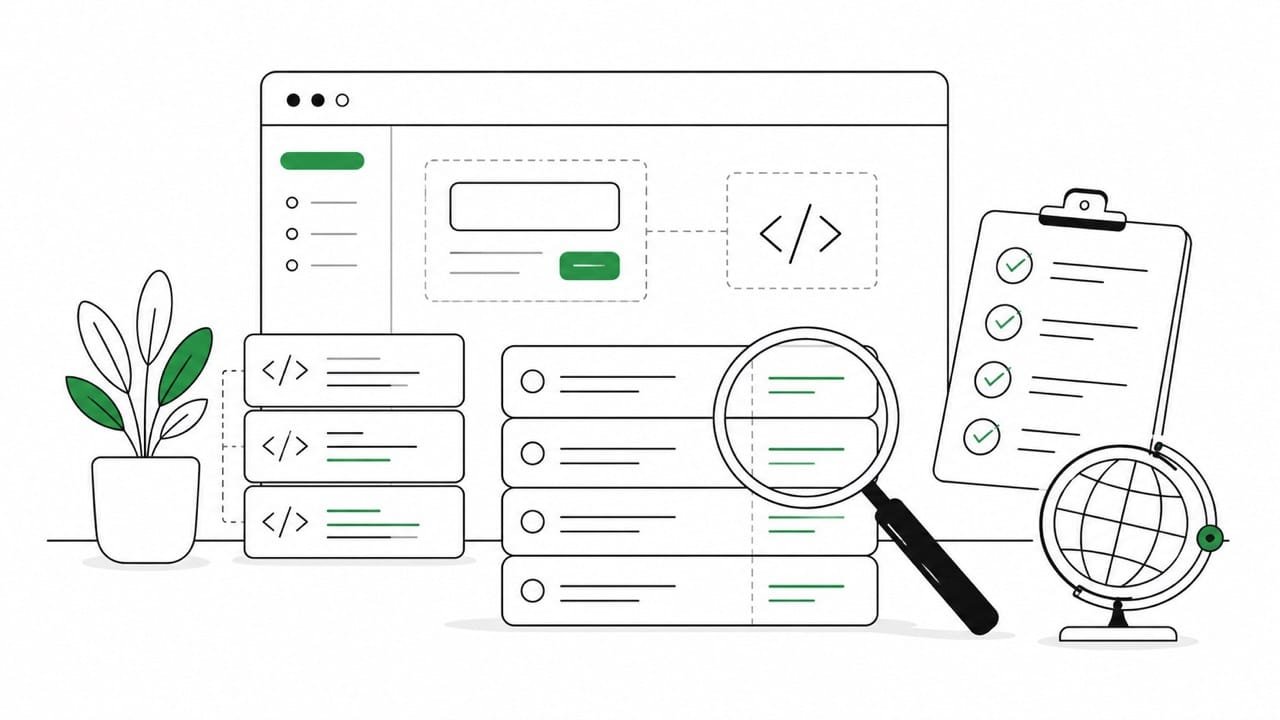
Is your Python app actually ready to be translated?
The gettext module can help you localize a Python application, but it can’t fix unclear source code, vague placeholders, inconsistent terminology or product copy that only works in English. So before you send strings for translation, your app needs a basic software internationalization and localization check. Otherwise you risk creating a multilingual product that technically works, but feels awkward, inconsistent or incomplete.
What the Python GNU gettext module does
The Python 3 documentation describes gettext as a module that provides internationalization services for Python modules and applications. In practice, the gettext module lets a Python application use message catalogs instead of hard-coded user-facing strings.
A typical GNU gettext workflow looks like this: developers mark strings in the source, extract them into a .pot file, create a .po file for each locale, and compile each translation into a binary .mo file. At runtime, the app uses the current locale or a selected language code to show the right translation.
Python supports this GNU gettext model through the standard library. It remains a common way to handle Python i18n and l10n, especially when teams need a predictable localization workflow for applications, command-line tools or Python modules.
But gettext is only the mechanism. It’s not the whole localization process.
Python i18n starts in the source code
Before you create translation files, the Python app needs source strings that are clear, stable and safe to translate.
A Python app can use gettext, a locale directory and correctly compiled .mo files, yet still be painful to localize. In many cases, the issue is not the gettext module itself. The issue is the quality of the strings in the source code.
A button label like “Submit” may look harmless in English. But submit what? A payment? A form? A score? A tournament entry? Without context, the translator has to guess. A string like %s was added to %s may also work technically, but it can fall apart in languages that have different grammar, word order or case logic.
Plural handling creates the same problem. A message like “1 file uploaded” and “3 files uploaded” needs proper plural forms, not a string pattern that assumes English grammar. Dates, numbers, currencies and units also need locale-aware formatting. If they’re manually assembled in the code, localization becomes fragile.
Internationalization and localization work best when these issues are handled before the first export. Gettext can translate Python strings, but the Python app first has to expose strings that are stable, comprehensible and safe to localize.
Common traps when you localize a Python app
There are a handful of typical pitfalls in Python localization and the first is string concatenation. Developers may build a sentence from smaller pieces because it looks efficient in English. For localization though, it often becomes a problem. Word order, gender, case and plural logic vary by language. This means a sentence should usually be translated as a complete unit, not assembled from fragments.
The second trap is hard-coded English outside the main interface. Validation messages, emails, notifications, empty states, error messages and onboarding copy often get missed. The visible UI may be translated, but users still see English when something goes wrong. That makes the product feel half-assed localized.
Vague placeholders are the third trap. A placeholder like %s tells the translator nothing. Named placeholders such as {user_name}, {event_name} or {amount} give more context and reduce the risk of broken translation files. For example, a Python app might generate a user-facing message like this:
import gettext

_ = gettext.gettext
This version is harder to translate because the placeholder is anonymous:
message = _("%s was added") % item_nameThe translator only sees %s was added. They don’t know what %s refers to, what was added or where the message appears.
This version is clearer because the placeholder is named and the sentence is complete:
message = _("Product {product_name} was added to your cart").format(
    product_name=product_name
)
The goal here isn’t to make prettier Python syntax for its own sake, but to give the translator a complete translation string with enough context to make the right decision. A vague string might work in English, but it gives little information about what happened or where the message appears. A clearer string is easier to translate, easier to review and less likely to break when the app is localized into different languages.
Fourth, treating every string as the same kind of content is also problematic. UI labels, legal notices, transactional emails, help text and system messages don’t need the same review process. Some strings may only need a light check. Others need terminology control, product knowledge or legal approval.
Finally, the fifth common trap is exporting a .po file or .pot file without review. If the message catalog contains test strings, developer notes, internal labels or duplicate messages, the translator wastes time and the translation memory gets messy. A clean catalog is easier to translate and easier to maintain.
These aren’t Python problems in the narrow technical sense; they’re localization readiness problems. But they become very visible when localizing Python applications with the GNU gettext workflow.
A short Python localization checklist

Before you translate Python source code, run a short readiness check:
- Make sure user-facing strings are separated from business logic. Check that each translation string makes sense outside the code. Avoid sentence fragments where a full sentence would be safer. Use named placeholders where possible. Confirm that plural handling is in place before translation starts.
- Review your locale strategy. Decide how the preferred locale is selected, how fallback languages work and where the locale directory lives. Check whether dates, times, numbers, currencies and units are formatted according to the current locale rather than manually hard-coded.
- Then review the translation workflow. Make sure the
.potfile contains only strings that should be translated. Check that each.pofile gives translators enough context. Compile and test the.mofile in the actual Python app, not only in isolation. - Finally, define what “done” means. A multilingual app is not complete just because the strings have been translated. The localized version should feel coherent where users make decisions, recover from errors, receive messages and complete important tasks.
That’s the practical difference between using gettext and having a localizable product. So if you’re planning to internationalize a Python application, the best first step is a localization readiness review to determine what’s translatable, what’s missing, what needs context and what should be fixed before translation even begins.
